
← All guides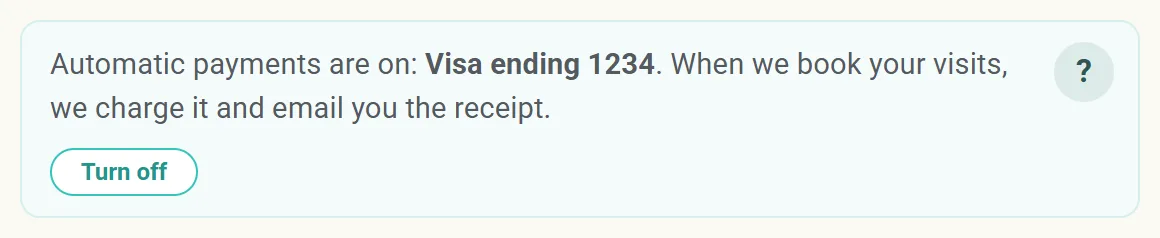
Automatic payments
What it is
When automatic payments are on, we charge your saved card instead of sending you a bill, and email you the receipt.
Who sees it
Your main account holder, a Parent with See + pay bills on, and our office. Our office sees this line when they're off too.
How to use it
- Turn them on with the box when you pay by card.
- Tap Turn off any time. We'll send you a bill to pay instead.
Good to know
- Over $500? We email you first, and charge the card a day later.
- A deposit is charged when your bill would go out, and the rest on its due date.
- Card expired or declined? Your usual bill goes to you instead.
- Your account credit comes off first.