
← All guides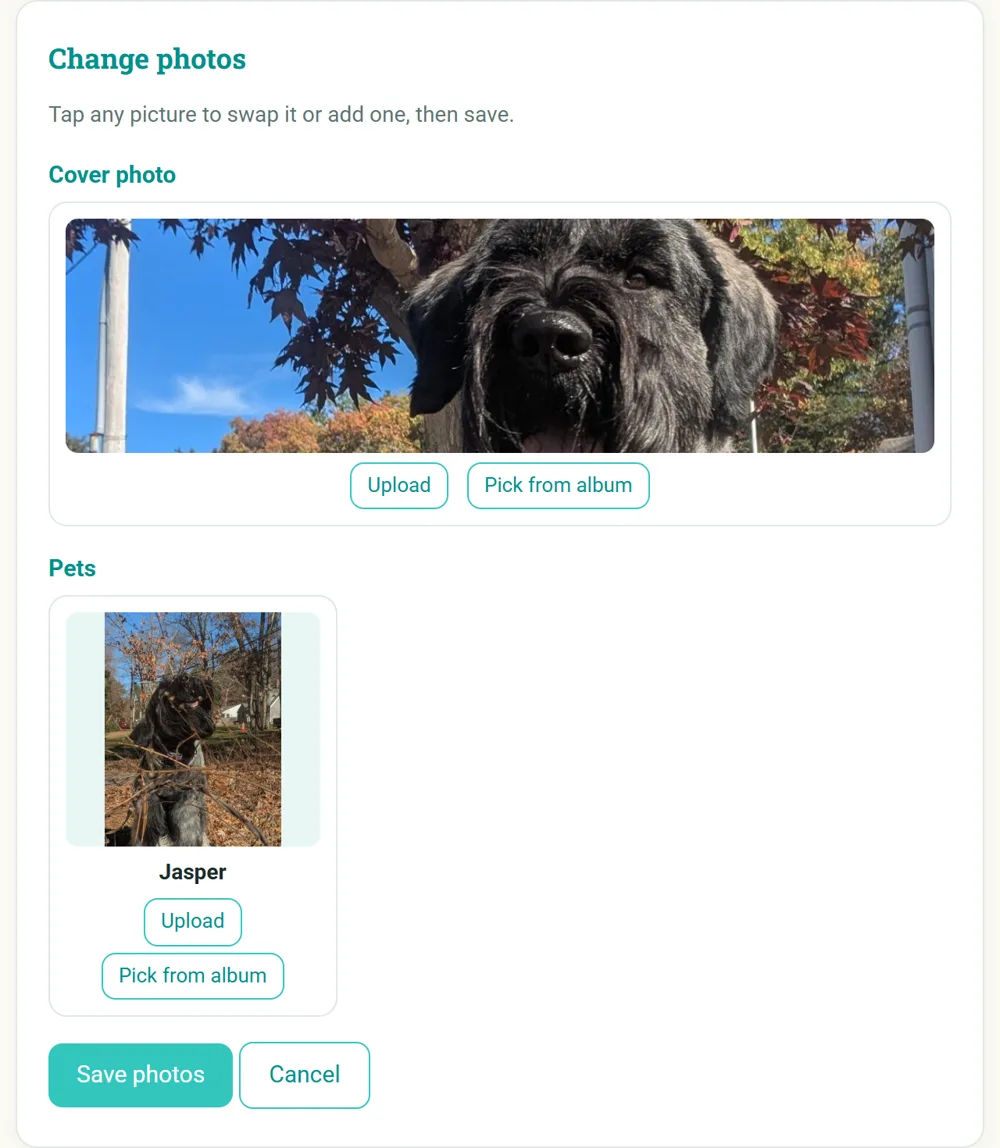
Cover + Change photos
What it is
Change photos sets your page's cover photo, a picture for each person in your family, and each pet's photo.
Who sees it
A Parent with Change the pets on, our Pros and our office can change them. Everyone who can see your page sees the cover.
How to use it
- Tap Change photos at the top of your page.
- Tap any picture to swap it: upload one, or pick from your album.
- Tap Save photos.
Good to know
- The main person's picture is also the round picture at the top of your page.
- A pet's photo shows on their card and with their questions.
- Pick from album appears once your pet has an album.
- Too much to send at once? Save a few photos at a time, or pick a smaller one.