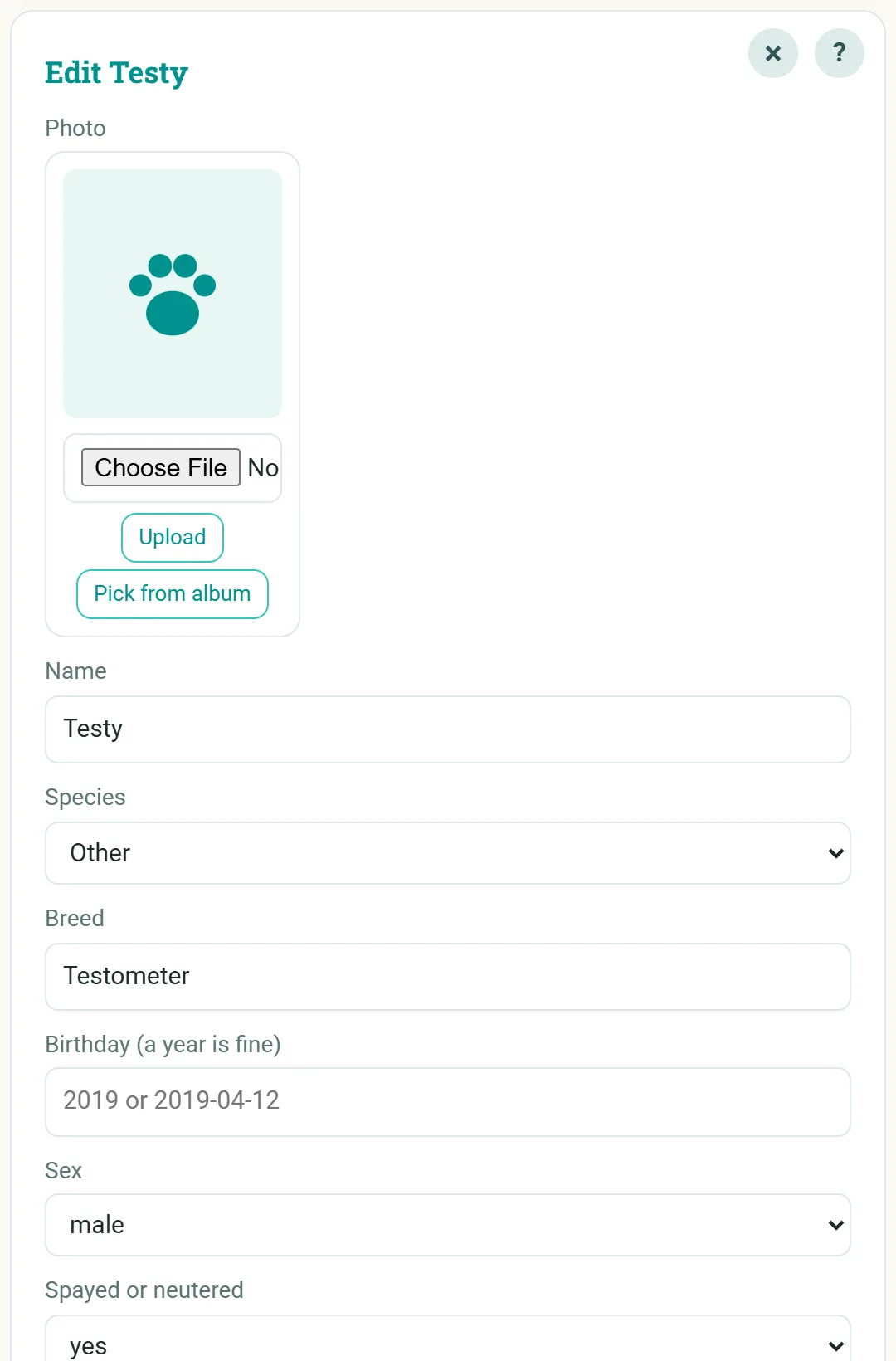
Your pet's whole form: photo, name, kind, breed, birthday, size and coat, sex, color, allergies, medication, care instructions, behaviors, dislikes, training, grooming notes, About them and How things stand.
Who sees it
A Parent with Change the pets on, our Pros and our office.
How to use it
Turn your pet's card over and tap Edit profile at the bottom right. On a Not with us card, it's at the bottom right of the card.
Change what you need. Only the name has to be filled in.
Tap Save. Cancel leaves it as it was.
Good to know
Just one thing to change? Tap that line on the Pet Passport instead. It's quicker.
Keep medication private, ticked: only your family and our Pros see it.
How things stand: choose Not with us if your pet is no longer with you. The date can stay empty.
Size is for dogs, weight for dogs and cats, and coat for dogs and cats.
No allergies and Not sure yet are different answers. Not sure yet keeps your pet asking.