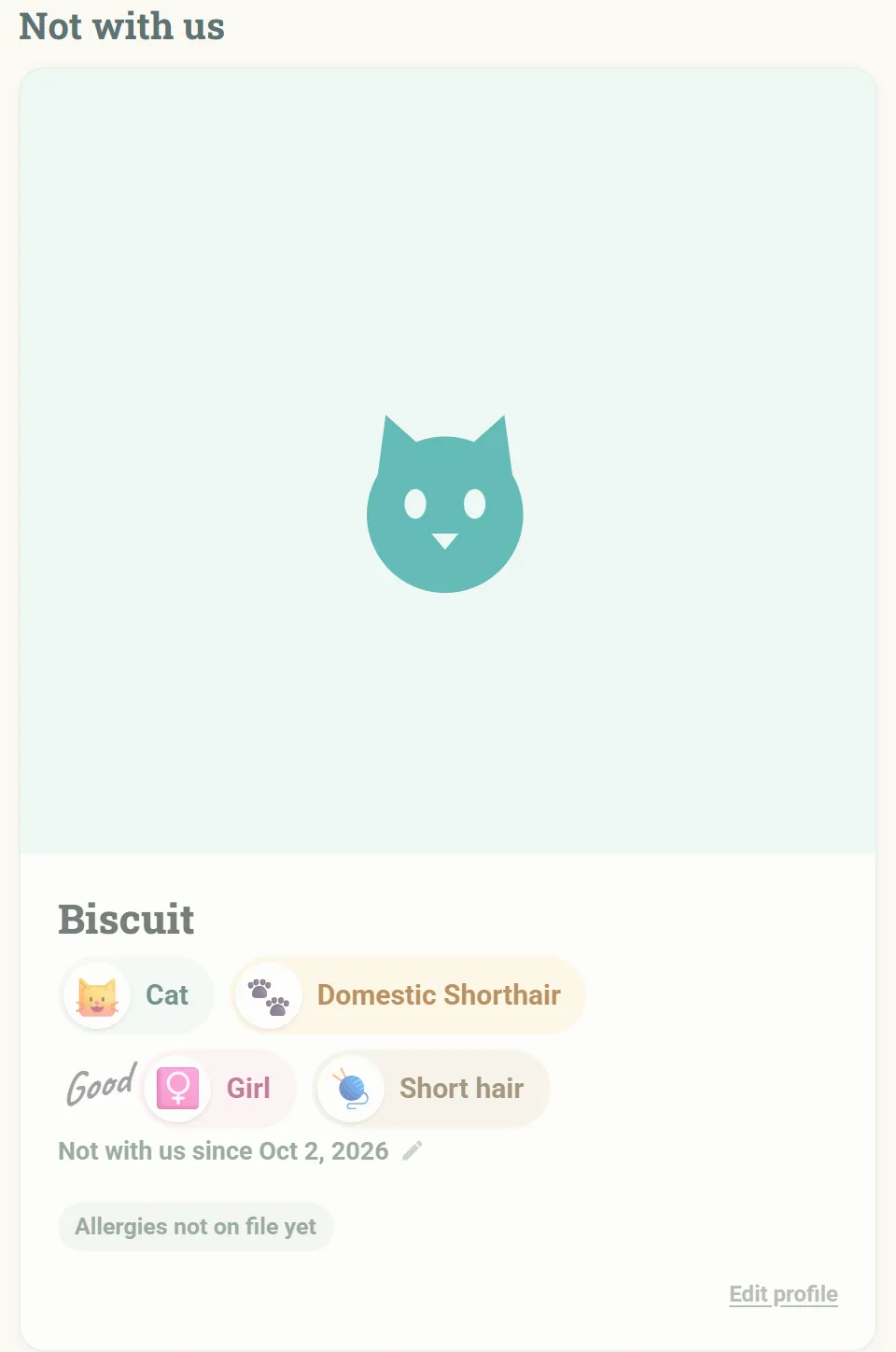
A pet who's no longer with you moves to its own Not with us section, under your other pets, with the date if you give one. Their card stays on your page.
Who sees it
Anyone who can see your page sees the card. A Parent with Change the pets on, our Pros and our office can change it.
How to use it
Turn the pet's card over, tap Edit profile, and under How things stand choose Not with us. Add when, if you like.
To change the date, tap Not with us since on the card. A guess is fine, or tap We don't know.
Made a mistake? Tap it, then Yes, I'm still with you.
Good to know
Your pet's questions and meters stop for them.
Edit profile on their card opens their whole form.