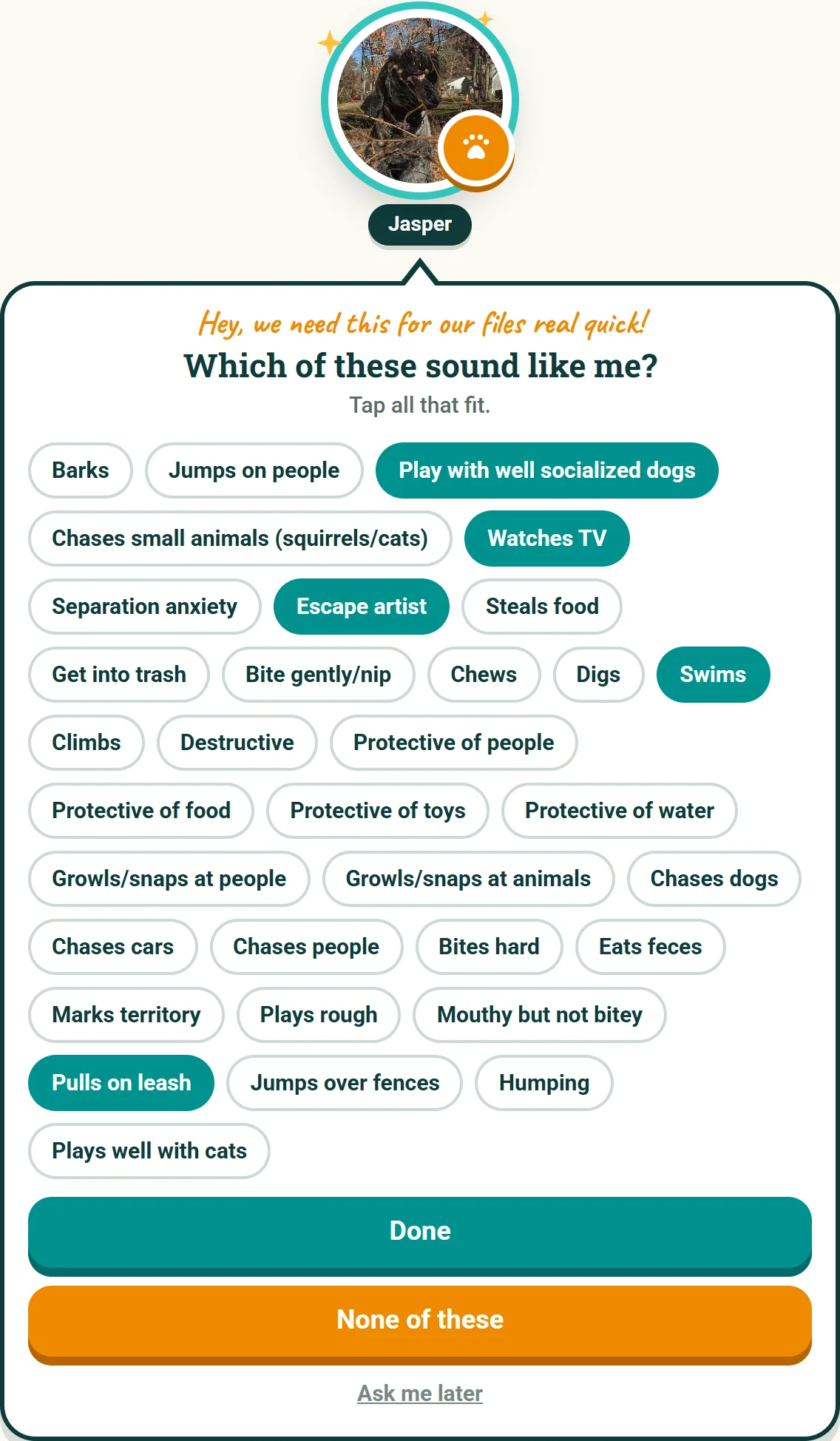
When something is missing from your pets' page, your pet asks for it above the tabs, one question at a time. Each answer saves right away and goes straight onto the card and Pet Passport.
Who sees it
A Parent with Change the pets on, our Pros and our office, on every tab. Any of them can answer. Our Pros are only asked for your pet's details and records.
How to use it
Tap an answer. Or type it, then tap OK (or press Enter, or tap outside the question): it saves, and the next question slides in.
Not now? Tap Ask me later (or Skip for now).
Your vet has the answer? Tap Get from Vet and choose your vet, and we'll ask them for the records.
On the vaccine question, no vet? Tap We don't have a vet, then upload the record yourself: a photo or a PDF.
Want to keep going today? Tap Ask me more.
A request from another household? Tap See it to answer it in Settings, or look at their page first.
Good to know
You get up to 3 new questions a day, per person. One you saw today but didn't answer comes back, and doesn't count again.
Ask me later hides that one question, for that pet, for you only, for 30 days. Everyone else still sees it. A request from another household comes back the next day.
Skipped some? When the others are done, tap show them again to bring them back now.
While we wait for your vet's records, the questions your vet can answer wait too, and the page says when we asked.
Vaccine records and the rabies date are asked for dogs only.
A request from another household always comes first, for your main account holder and our office. Then the order: a photo first, then the basics and health, then care at home, and the fun stuff (likes, behaviors, About me) last.
At a meet + greet, your Pro goes through every question with you, with no daily limit.
Once everything is answered, the questions go away.