
← All guides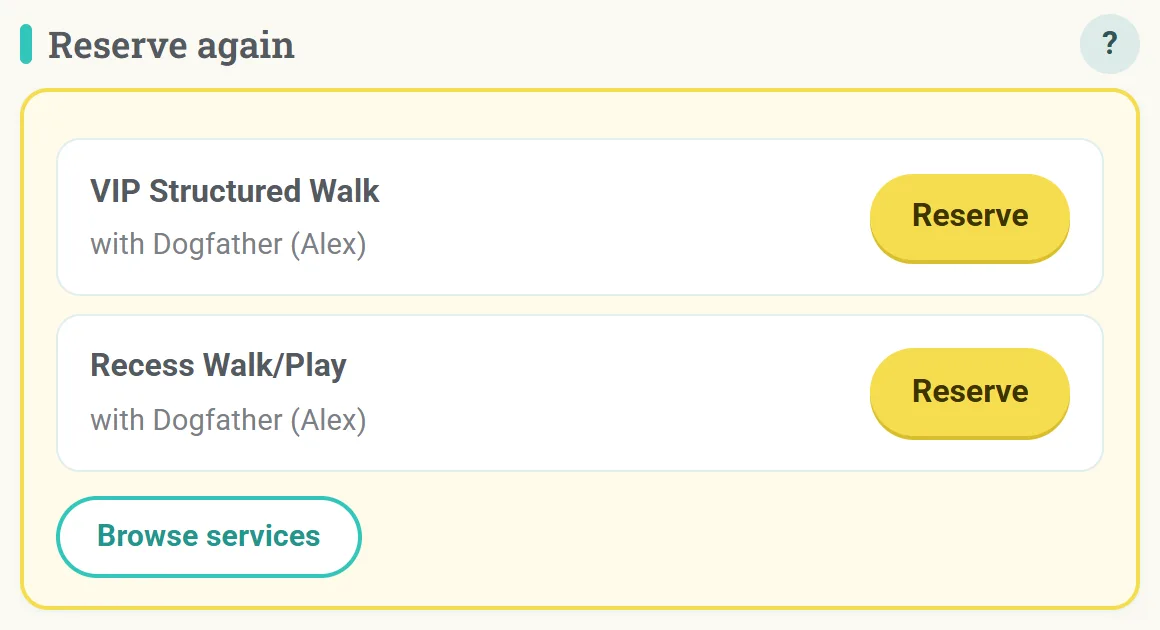
Reserve again
What it is
The visits your family books most, each with the Pro who usually does them. Up to 2.
Who sees it
Your main account holder, a Parent with Book + change visits on, our Pros and our office can reserve.
How to use it
- Tap Reserve next to a visit and pick a time.
- Want something else? Tap Browse services.
Good to know
- It's at the top when nothing is booked, and under your visits when something is.
- Your default Pro comes first when they do that visit and have room.
- Booked something we've since renamed? You're offered today's version of it.
- Nothing booked with us yet? It shows you where to start.